
Dash Cams: Do You Need One and What to Look For
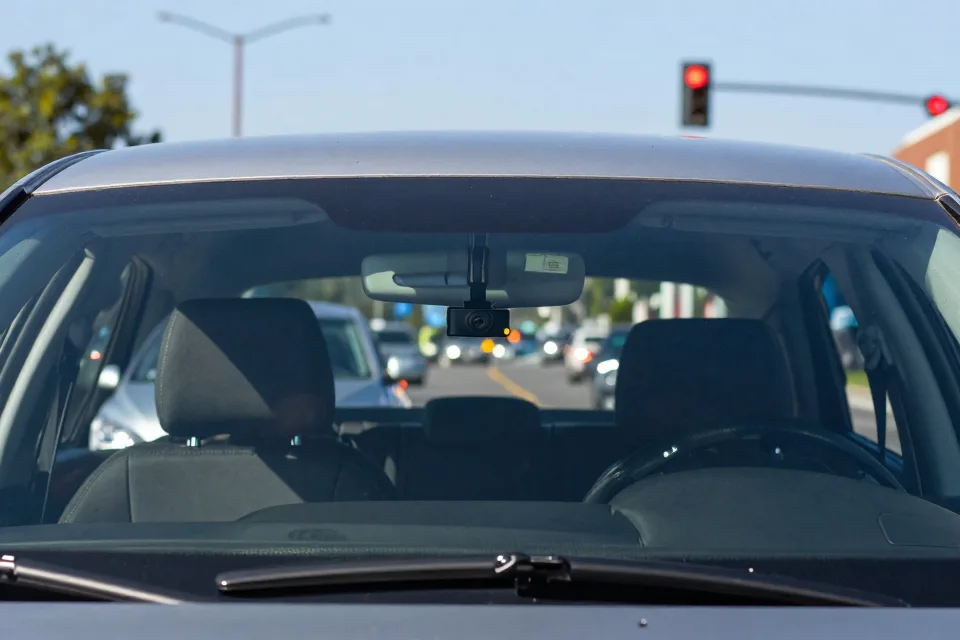
You have been driving for decades, and in all those miles you have probably collected a few close calls. Most of them ended with nothing more than a fast heartbeat. But picture this one: you are stopped at a red light, the car behind you rolls forward and taps your bumper, and the driver claims you rolled backward into them. There are no witnesses. Your insurer is left with two stories, and both sound believable.
That is the argument a dash cam can settle before it starts. A dash cam is a small camera that mounts inside your car and records the road while you drive. Models that Consumer Reports has tested run from about $30 to $400, which makes a camera one of the cheapest pieces of protection you can add to a vehicle. The technology works. The real questions are whether one fits how you drive and which features deserve your money.
Why a Dash Cam Is Worth Considering
Start with the big picture. In 2022, 42,514 people were killed in motor vehicle crashes in the United States, and an estimated 2.38 million more were injured, according to NHTSA. The toll has eased since — about 40,900 deaths in 2023 and roughly 39,300 in 2024 — but tens of thousands of lives are still lost on American roads every year.
The number that should get your attention is the hit-and-run. Hit-and-run deaths hit an all-time high of 2,972 in 2022, about 7 percent of all traffic deaths, the AAA Foundation for Traffic Safety reports. In 2023, drivers fled the scene in 15 percent of all police-reported crashes — a record share for recent years. Pedestrians and cyclists are the most exposed: more than 7 in 10 people killed in hit-and-runs were walking or riding, and nearly 80 percent of hit-and-run deaths happened in darkness.
Those statistics matter because a camera is often the only witness that stays put. A driver who flees cannot argue with footage that shows a license plate.
What a Dash Cam Actually Does
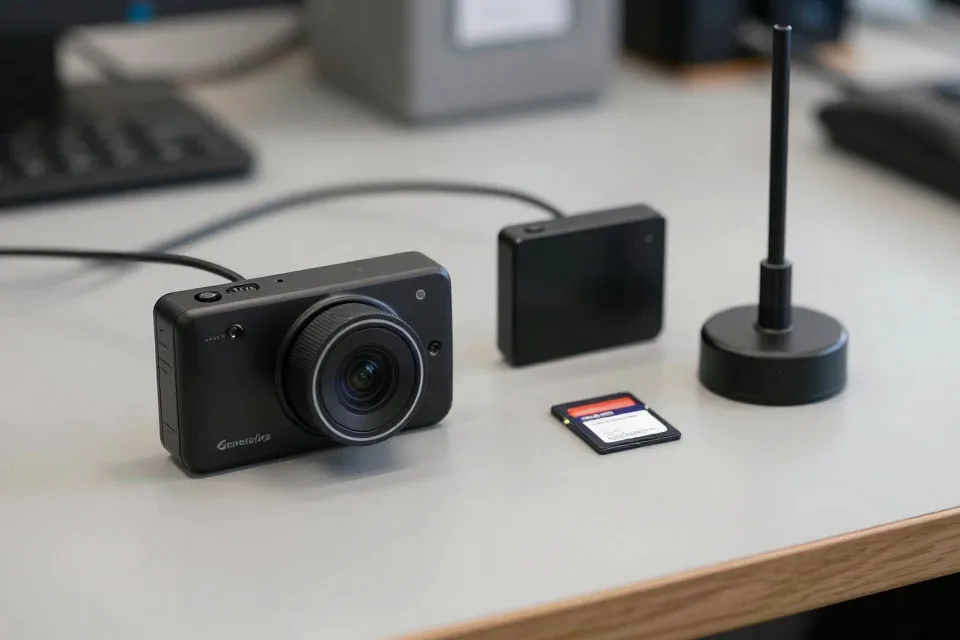
At its core, a dash cam is a small video recorder. It mounts to the windshield or dashboard, draws power from the car, and records while the engine runs. Most units use loop recording: they keep the newest video and overwrite the oldest, so the camera manages its own storage and you never have to empty it by hand.
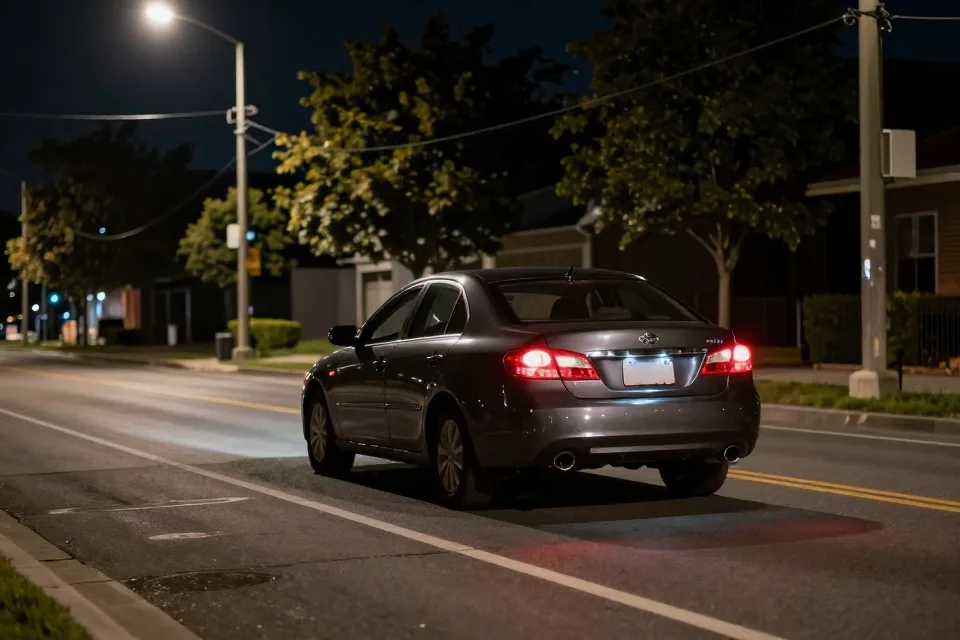
Video is saved to a microSD memory card, which you usually buy separately. Better models add a GPS receiver that stamps your speed and location onto the footage, and most include a microphone for audio. The most capable units act like a flight recorder for your car, capturing speed, position, and sudden impacts through a built-in sensor — the kind of data The Drive highlights in its hands-on testing.
Front Only, or Front and Rear?
The first decision is how many cameras you want. A single-channel camera covers the road ahead, which handles most fender-benders and traffic disputes. Adding a rear camera records what happens behind you — rear-end crashes, tailgaters, and parking-lot hits while the car is parked. A third, interior camera watches the cabin, which matters mainly for rideshare drivers or parents of teen drivers.
Consumer Reports recommends a rear camera for road trips and notes that some models let you add extra cameras later as accessories. If you are unsure, start with the front camera and keep the option open.
Video Quality: What the Specs Actually Mean
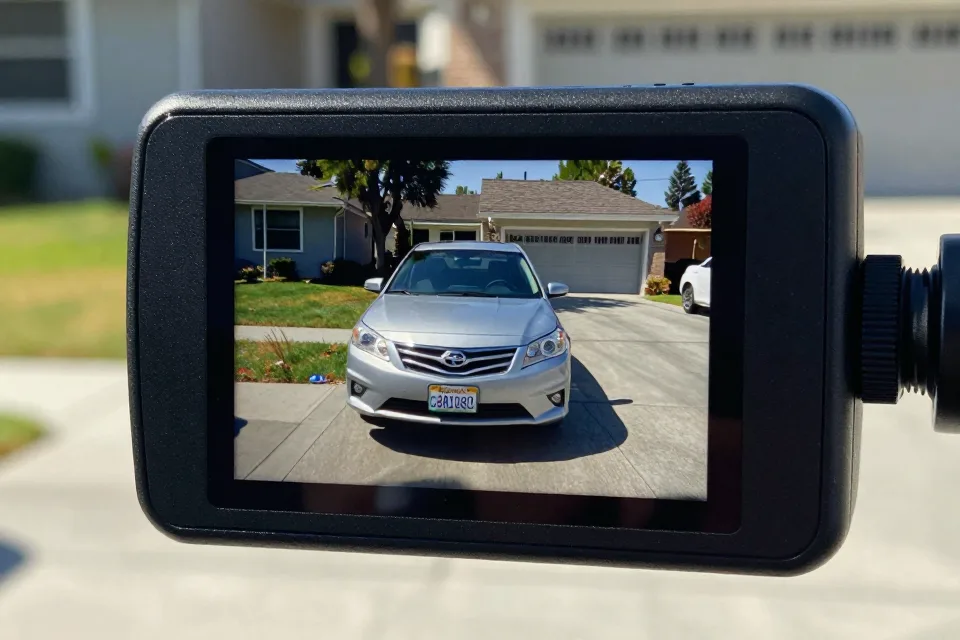
Resolution is the spec everyone quotes first, and for good reason. In Consumer Reports' testing, 4K cameras generally capture the most detail, including license plates and street signs. A 2K (1440p) camera is a reasonable middle ground, while 1080p is workable but noticeably weaker at reading plates at a distance.
Frame rate matters, too. Consumer Reports found that 60 frames per second gives smoother video for daytime highway driving, while 30 fps produces a brighter image at night. Many 4K cameras max out at 30 fps, so you often choose between resolution and smoothness.
Two more features are worth knowing. High dynamic range, or HDR, balances bright and dark areas of the image so plates do not wash out in glare or vanish in shadow. Field of view, measured in degrees, tells you how wide the camera sees; around 120 to 140 degrees covers several lanes, and going much wider starts to distort the picture.
Parking Mode: Nice-to-Have or Must-Have?
Parking mode lets the camera keep watching after you switch off the engine. It can record continuously, or wake up when it detects motion or an impact. Many cameras also save the few seconds before a bump — buffered footage that shows exactly how a door dent or a parking-lot hit happened.
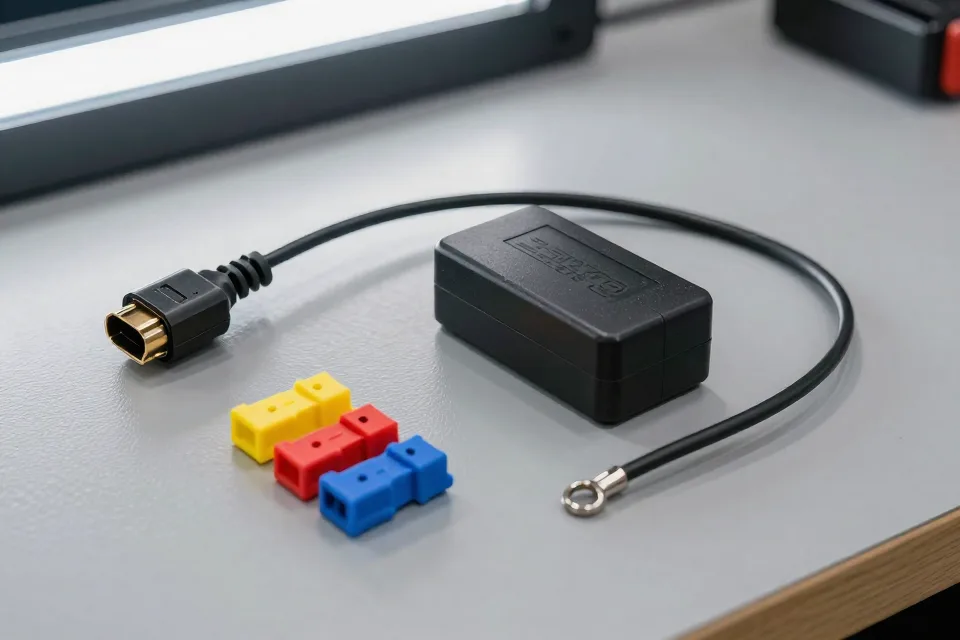
There is a catch: parking mode needs power while the car is off. That usually means a hardwire kit connected to your fuse box, an OBD-II plug, or a separate dash cam battery pack. Simply leaving the camera plugged into the 12-volt socket is usually not enough, because that socket often shuts off with the ignition.
Parking mode draws from your car's battery, so choose a model with a low-voltage cutoff that stops recording before the battery gets too low to start the engine.
If you live in a hot climate, pay attention to how the camera handles heat. A windshield-mounted camera bakes in summer sun, and lithium-ion batteries can degrade or swell in high temperatures. Many makers now use supercapacitors, which hold less power but tolerate heat far better and last longer — a real advantage for a device that sits in direct sunlight, as BlackboxMyCar explains.
Memory Cards: The Part Everyone Forgets
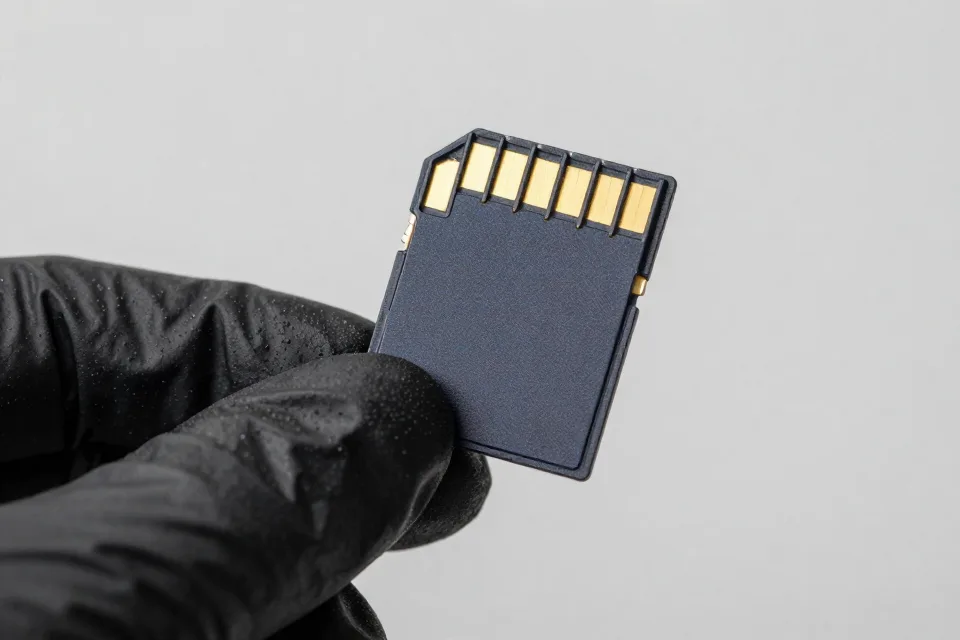
Dash cams write data constantly, in a way that wears out ordinary memory cards. Loop recording rewrites the card day after day, and cheap cards can fail without warning — which means no footage exactly when you need it. Dash cam makers recommend high-endurance cards built for continuous recording.
Use the largest card your camera accepts, since higher resolution and frame rates create big files, and format the card inside the camera itself rather than in a computer. Check the footage now and then, so you know the camera is actually capturing video.
Seven Common Mistakes We See
Before you buy, here are the mistakes we see most often with dash cams, and how to avoid them.
- Buying on price alone. The cheapest cameras pair with weak lenses and low-quality cards, and a camera that cannot read a plate at night is little more than a paperweight.
- Mounting it in the wrong spot. A camera in front of an airbag or in your line of sight can be both illegal and dangerous.
- Leaving the microphone on in the wrong state. Some states require everyone in the car to agree before you record sound. Check your state's rule — and tell your passengers.
- Assuming it records while parked. Without a hardwire kit or battery pack, most cameras go dark the moment the ignition turns off.
- Never checking the footage. A camera you never review is a camera you cannot trust. Format the card and shoot a test clip from time to time.
- Skipping GPS to save a few dollars. The speed and location stamp can be the difference between a clear timeline and a mystery after a crash.
- Paying for a cloud subscription you do not need. Remote viewing and cloud backup are handy, but they add monthly fees. Decide whether you will actually use them before you commit.
The Legal Check: Mounting and Audio
Dash cams are legal throughout the United States, but states set their own rules on where you can mount one and whether you can record sound.
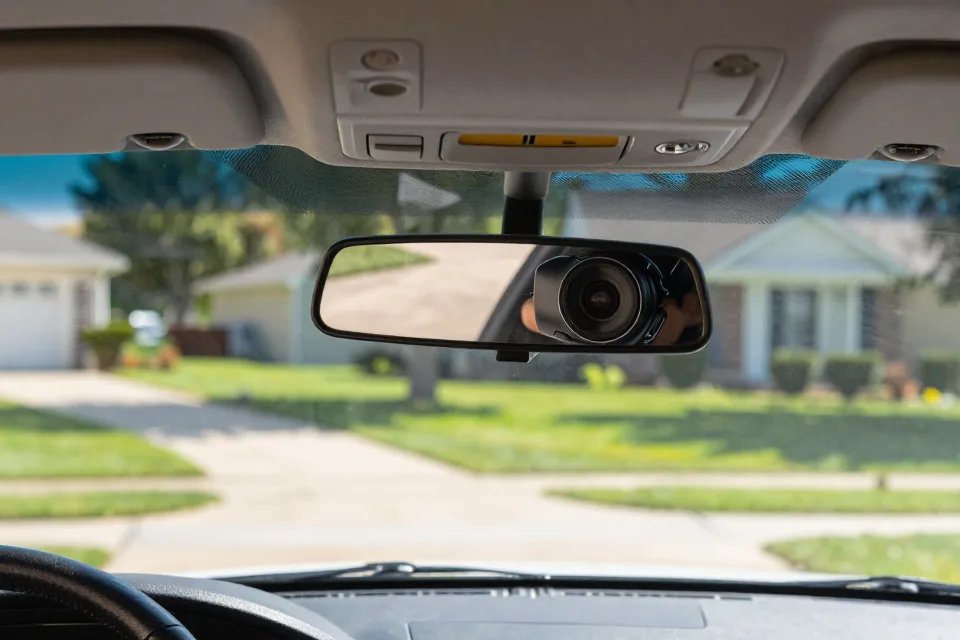
Most states simply require that you do not block your view. California, for example, makes it illegal to drive with any object on the windshield that obstructs the driver's clear view. The practical fix most drivers use is to mount the camera behind the rearview mirror — out of your sightline and away from airbag deployment zones.
Audio is the trickier question. Under federal law and in most states, you may record a conversation as long as at least one person in it consents — usually you. A minority of states require everyone to agree. Texas, for example, follows the one-party rule, while states like California and Illinois are stricter. The safe move: if you carry passengers, turn the microphone off or tell everyone the camera records sound.
Insurance: What a Dash Cam Will and Won't Do
Here is the honest answer: most insurers do not hand out a discount just for installing a dash cam. AAA notes that insurers generally do not offer a discount for dash cam ownership, and Progressive says the same. That does not make the camera worthless to your policy.
What a dash cam does is protect you at claim time. Footage that shows you were not at fault can speed up the claims process and keep an accident off your record, which protects your rates indirectly. AAA suggests telling your agent about the camera as part of the broader conversation about your safe-driving habits.
If someone hits you and drives away, call 911 and report it. The official USA.gov guidance is to call 911 if you are in danger and report the crime to law enforcement. Then hand your footage to the police and your insurer — a readable plate number from your camera can turn a dead end into a case.
Before You Buy: A Quick Checklist
Here is the short version of everything above, as a checklist you can take shopping:
- A front camera at minimum; add a rear camera for road trips or street parking.
- 2K or 4K resolution up front, with HDR for glare and night driving.
- A field of view around 120 to 140 degrees.
- GPS, for speed and location stamps on your footage.
- Parking mode with a hardwire kit or battery pack, if you park on the street.
- A high-endurance microSD card from a known brand, in the largest size the camera accepts.
- A mount that tucks behind the rearview mirror, clear of airbags and your view.
- A microphone you can turn off, plus a quick check of your state's rules on audio and windshield mounts.
- A budget you are comfortable with: quality 4K front cameras start around $100, and most dual-camera kits fall in the $100 to $250 range.
Ten minutes of setup can buy you a witness that never blinks, never forgets, and never takes sides. For a driver with decades on the road, that is cheap insurance against a bad day.
This article explains dash cams in general terms from public sources. It is not legal, insurance, or financial advice, and your state's laws and your insurer's rules always take priority. See our full notice on the disclaimer page.
Sources
- [authority] https://crashstats.nhtsa.dot.gov/Api/Public/Publication/813643