
GPS Devices vs. Phone Navigation: Which Is Better?
The Question Sitting in Your Glovebox
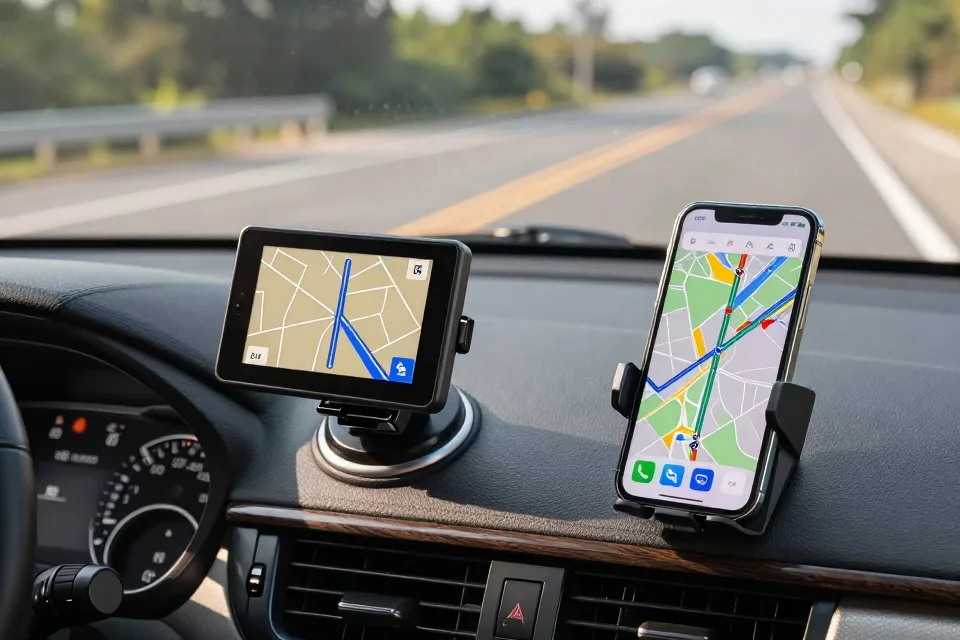
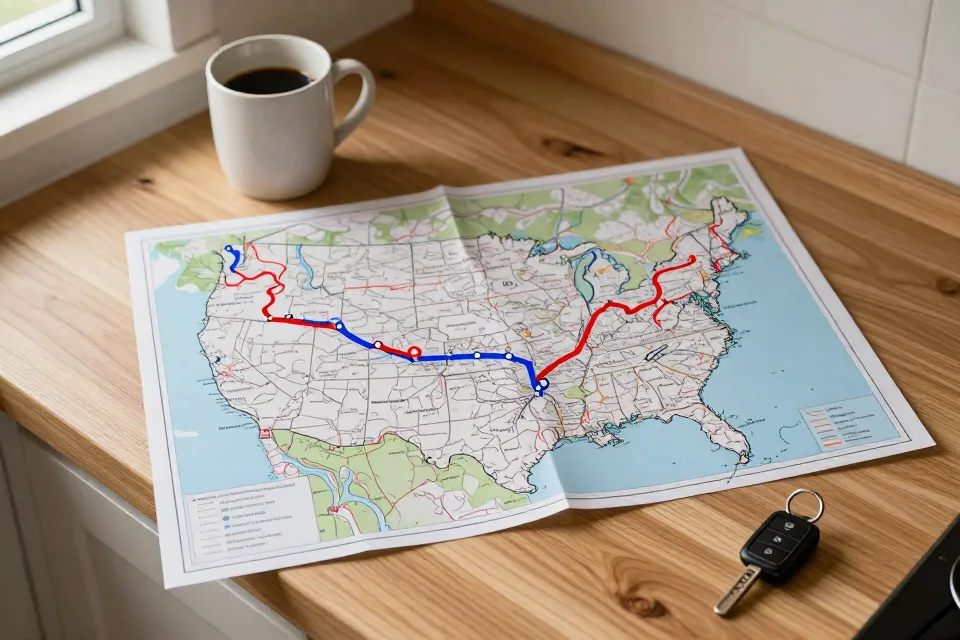
You are leaving on a three-hundred-mile drive to see family. The glovebox holds a portable GPS unit from a few years back, still in its suction-cup mount. Your phone, freshly charged, carries a map app with live traffic and voice directions. Which one goes on the dash?
Most drivers reach for the phone without a second thought, and for most trips that is the right move. But the old GPS is not the paperweight it looks like. In the right situation it can be the steadier, safer tool. This is an honest side-by-side look for drivers who would rather spend a trip watching the road than fussing with a screen.
The Short Answer
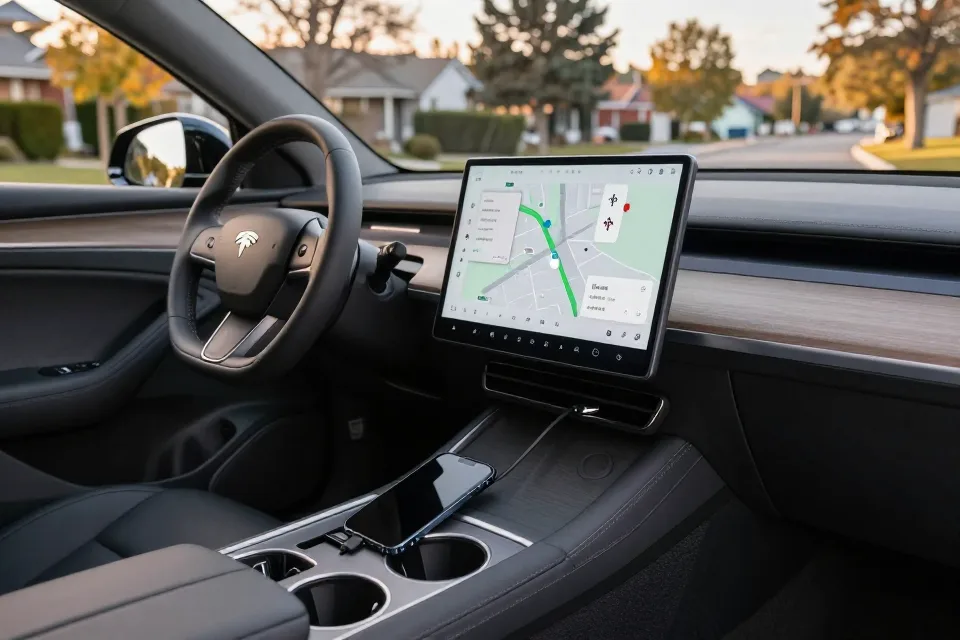
Use your phone for everyday trips, commutes, and driving around towns you know well. It is free, current, and good at dodging traffic.
Consider a dedicated GPS unit when you travel on remote two-lane roads, spend time where the cell signal is weak, or find yourself squinting at small screens. Many households sensibly keep both: the phone for the weekdays, the GPS for the long haul.
Why the Smartphone Took Over
Not long ago, portable GPS units were the must-have dashboard gadget. Then smartphones arrived, and within a few years almost everyone was navigating with the device already in their pocket. The Drive, writing in 2025, observed that by the time phones were everywhere, the portable GPS boom for ordinary road trips had mostly faded — the units that survive now serve a narrower crowd, such as off-road adventurers.
It is easy to see why phones won. Map apps update themselves, read traffic in real time, reroute you around jams, and speak directions in a calm voice. Connected to your car's screen through Apple CarPlay or Android Auto, the map shows up big and bright. For daily driving, there is no contest.
What a Dedicated GPS Unit Still Does Well
Portable navigators still have real strengths, and they matter most exactly where a phone is weakest.
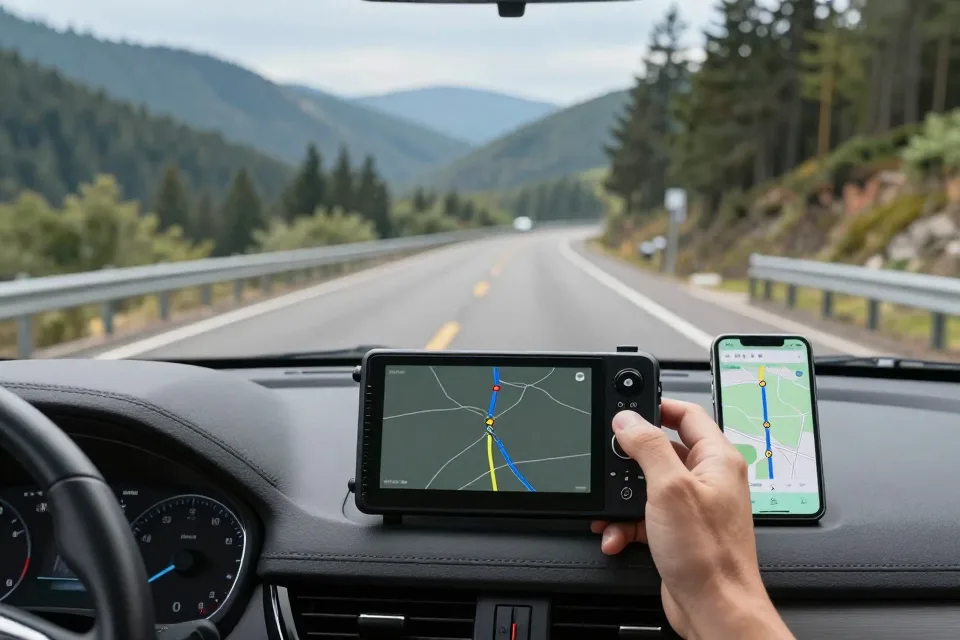
It works where your phone does not. A dedicated unit carries its maps on board and locks onto satellite signals directly. No cell tower, no data plan, no problem. On a mountain road or out on the plains, that is a genuine edge.
The screen is bigger and simpler. Buttons are larger and menus are built for driving, not scrolling. If small print is hard to read, a six-inch GPS screen is far easier on the eyes than a pocket phone.
It leaves your phone free. No battery drain, no missed calls, no temptation to switch apps mid-drive.
No monthly costs. On many models you buy the device once, and map updates stay free for the life of the unit. Garmin in particular keeps issuing map updates for older navigators, a point The Drive highlighted — a decade-old unit can still be current.
Fewer distractions. No text notifications, no news alerts, no one calling. What is on the screen is the route, full stop.
The Case for Phone Navigation
The phone's advantages are the ones most drivers feel every day.
It is free. The major map apps cost nothing, and they update themselves without any effort from you.
Live traffic, live rerouting. The app sees the slowdown ahead and suggests a better way before you are stuck in it.
Offline maps cover the gaps. You can download whole regions in advance and keep getting turn-by-turn directions with no signal at all. Google's own support pages explain how: pull up the area, download it, and navigate offline.
It meets you where you live. The interface is the one you already know, and your saved places, contacts, and addresses ride along.
The Hidden Costs of Phone Navigation
The phone's weaknesses are easy to forget until they bite.
Battery. An hour of navigation with the screen on drains a battery quickly. On a long day, an unplugged phone can be dead before you are. Pack the cable.
Data and dead zones. Map apps pull data as you drive, and where the signal dies, the map freezes — unless you downloaded it ahead of time.
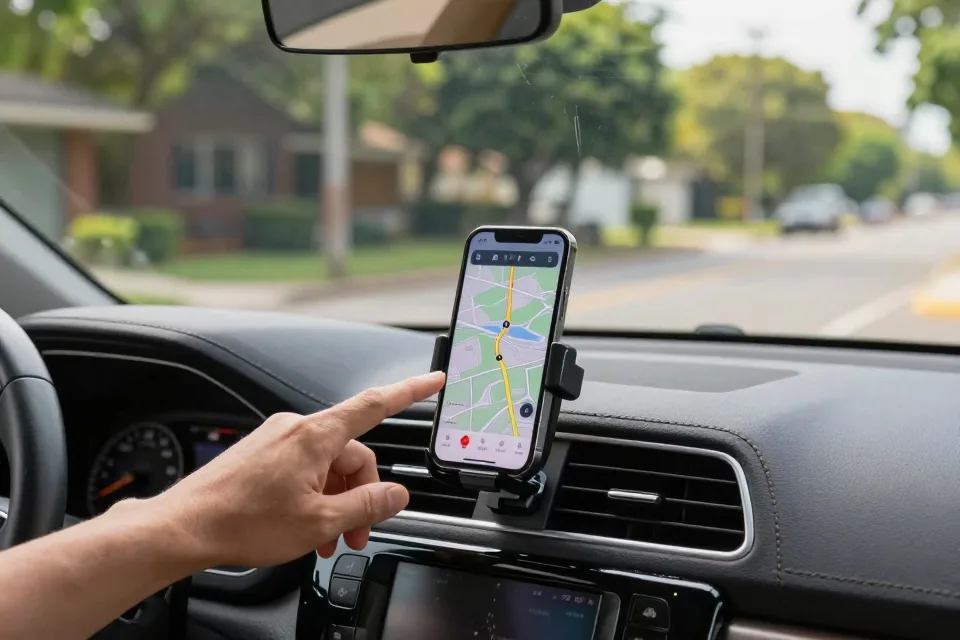
Size and glare. A phone screen is small, and in bright sun it can be hard to read. A low mount means dropping your eyes off the road for longer.
The distraction factor. This is the serious one. Calls, texts, and notifications compete with the road, and the phone makes it easy to glance. The law is catching up: 28 states plus Washington, D.C., now ban holding a phone while driving, and the count keeps growing as more states pass hands-free laws.
Common Mistakes Even Careful Drivers Make
Most navigation problems are not the tool's fault. They come from how we use it.
Holding the phone while driving. Even at a stoplight, it is risky and, in many states, illegal.
Typing the address while moving. Set the destination before you pull away. Always.
Mounting the phone too low. Tucked below the dash, it pulls your eyes far off the road. Mount it near eye level.
Skipping the offline download. Before a trip into the mountains or across the plains, download the route in advance — then a dead zone is a non-event.
Running the battery down on purpose. On a long trip, plug in before you need to, not after the low-battery warning.
Trusting stale maps. If you use an older GPS, check whether it still receives updates. An outdated map can send you down a road that no longer exists.
Letting the phone run the show. Silence notifications and put the ringer away. Nothing on that screen is worth more than the road.
Which One Should You Choose?
A quick way to decide:
Daily commuting and city driving — phone. Free, current, and it dodges traffic.
Remote country, mountains, or national parks — dedicated GPS, or at minimum offline maps on your phone.
Weak data plan or no signal at the cabin — dedicated GPS wins.
Hard-to-read screens — a dedicated unit's larger display is kinder to older eyes.
Road trips through familiar territory — phone with offline maps downloaded.
Long-haul trips into the unknown — bring both. The GPS costs nothing to keep in the glovebox and makes a ready backup if the phone dies or the signal vanishes.
A Few Numbers Worth Knowing
A handful of figures explain why this choice matters.
Distracted driving killed 3,308 people in 2022, according to the National Highway Traffic Safety Administration. Reading or sending a text pulls your eyes off the road for roughly five seconds — at 55 mph, that is the length of a football field.
The AAA Foundation for Traffic Safety found that even two seconds of eyes-off-road time can double your chances of a crash. The same research program showed that texting or programming navigation took both younger and older drivers more than 24 seconds of attention, and older drivers took even longer — up to 40 seconds to program a route, with eyes off the road up to 8 seconds longer than younger drivers.
There is a fuel angle too. The U.S. Department of Energy reports that aggressive driving can cut gas mileage by 15 to 30 percent on the highway and 10 to 40 percent in stop-and-go traffic. A good route, set before you drive, keeps you calm and your tank fuller.
And because this audience has known the road longer: the Insurance Institute for Highway Safety reports that drivers 70 and older are killed at higher rates per mile driven than middle-aged drivers. None of this means older drivers should stop driving. It means the extra seconds of distraction cost more.
Summary Checklist
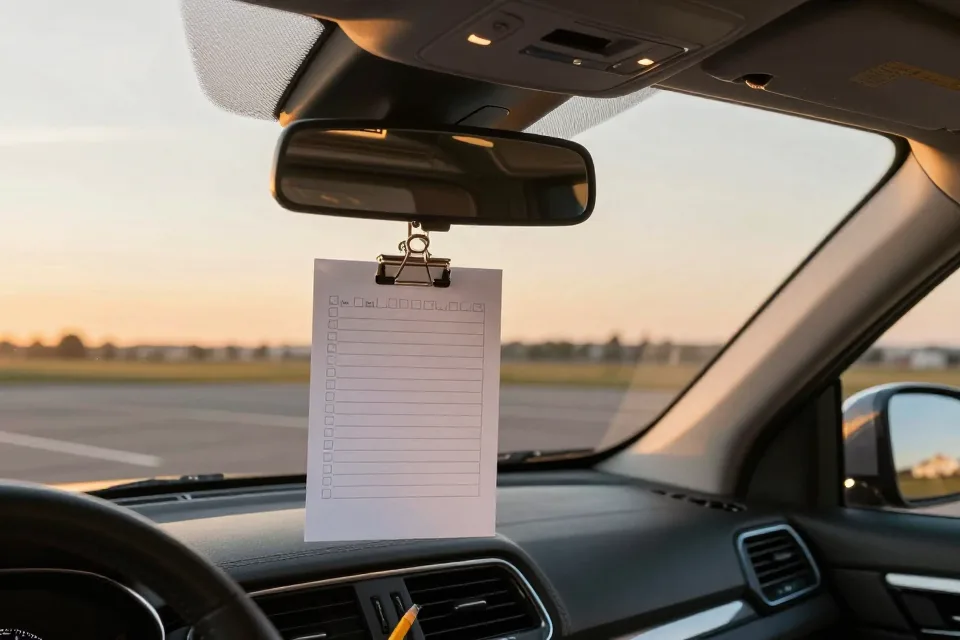
Before your next trip, run through this list:
- Pick your tool — phone, GPS, or both — before you leave the driveway.
- If you use your phone, download offline maps for the entire route.
- Mount the phone at eye level and plug it in.
- Enter the destination before the car moves.
- Silence notifications and put the phone out of reach.
- Check that an older GPS unit still receives map updates.
- On remote trips, tuck the dedicated GPS in as a backup.
- Set it all up once, then enjoy the drive.
This article is for general information only and is not a substitute for professional or legal advice. Please see our disclaimer for details.
Sources
- [authority] https://www.nhtsa.gov/campaign/distracted-driving